
Password Change Guide
- You can change your password from “My account” while logged in.
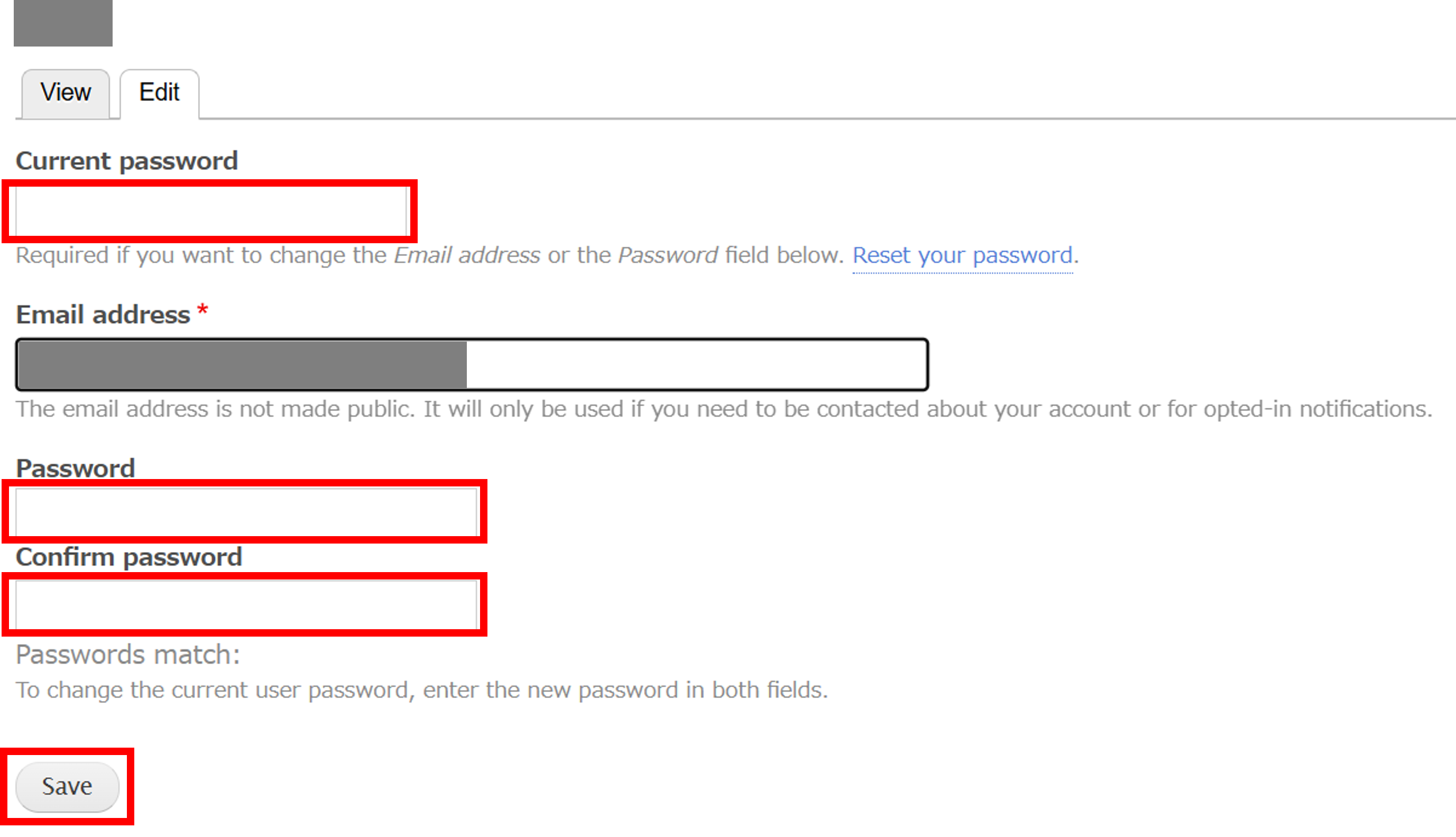
In the "Edit" section, enter your current password and your new password. Click the [Save] button.
The following message will appear.
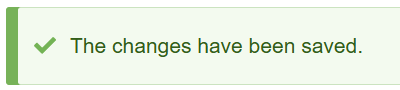
Your password has now been changed.